
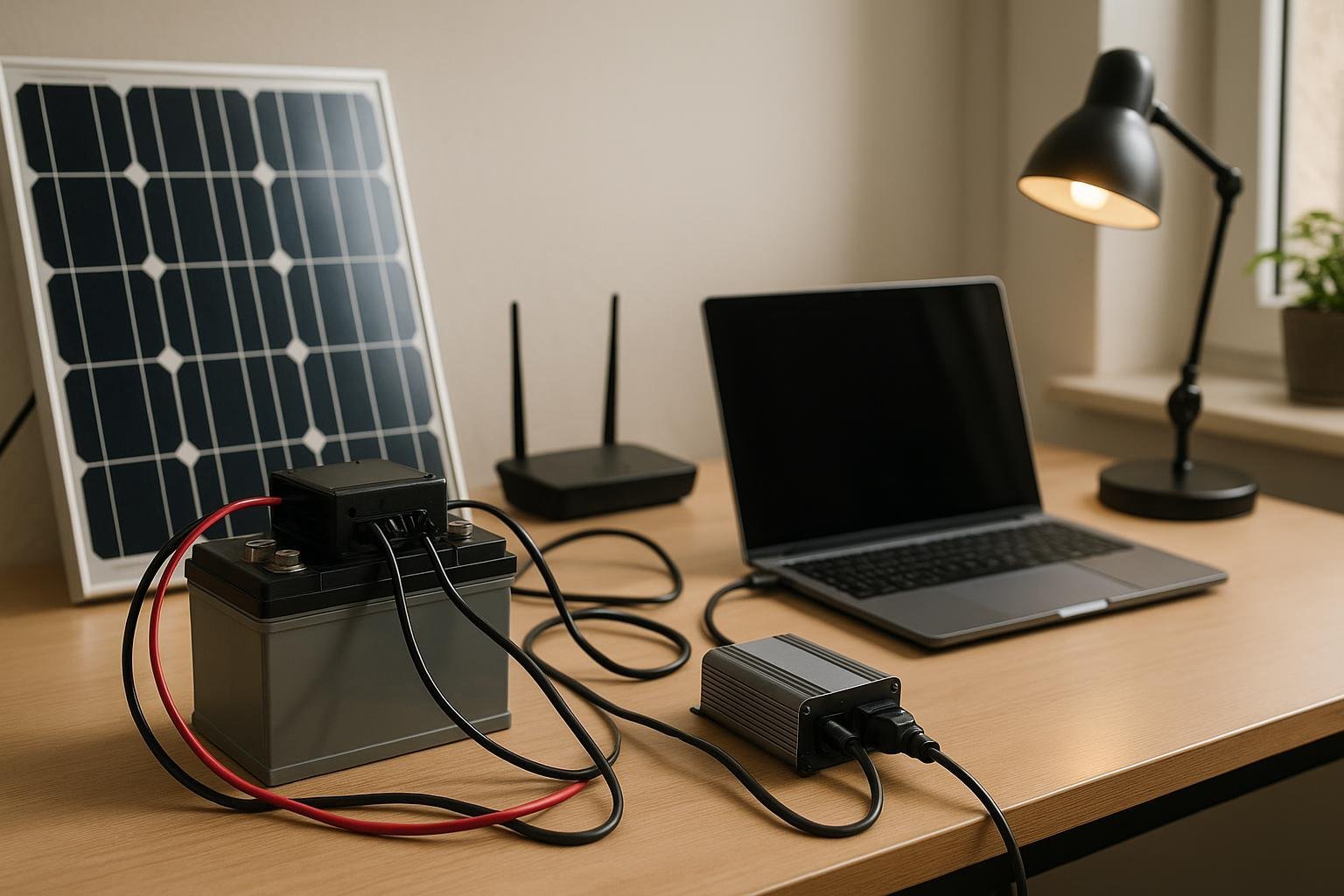
Keeping a home office running during a power outage doesn’t have to be complicated or expensive. This guide shows a simple, small-scale solar backup plan you can assemble in a weekend and grow over time.
Size your load to fit a small system
Start with the essentials: think about what you actually need to power during an outage. A laptop, Wi-Fi router, monitor, a small desk lamp, and a modem often cover most remote-work tasks. Use the quick load checklist below to estimate wattage and runtime.
- Laptop charger: ~60W
- Wi-Fi router: 10-15W
- External monitor (optional): 20-25W
- Desk lamp (LED): 6-9W
- Modem: 10-15W
- External hard drive (optional): 5W
Example calculation: If you expect 6 hours of outage, total load ≈ 125W. Energy needed = 125W x 6h = 750Wh. Add ~20% for inverter losses: ~900Wh. For a 12V system, that means about 75Ah of usable capacity; pick a battery in the 80-100Ah range to keep a comfortable margin.
Plan the hardware: budget-friendly picks
Idea: A single 100-120W solar panel, a small PWM or MPPT controller, a 12V deep-cycle battery (AGM or LiFePO4), and a compact inverter (300-600W) will run the basics. You can start with a basic, budget-friendly kit and scale up later.
- Solar panel: 100-120W panel
- Charge controller: PWM 12V or entry-level MPPT
- Battery: 12V 40-100Ah (AGM or LiFePO4)
- Inverter: 300-600W with surge
Tip: Start small and verify runtime with your actual loads. Use a simple power bar to switch off nonessential devices when the battery gets low.
Deployment steps
- Place the panel in a sunny spot and route cables to a weatherproof location.
- Connect panel to the charge controller, then to the battery, and finally to the inverter feeding the outlets you will use.
- Fuse and protect all connections, and keep a clear mind to avoid discharging a lead-acid battery below 50% for long life.
- Test with your essential devices for an hour or two to confirm the setup handles your workload.
Safety and maintenance
Safety first: use proper fusing, weatherproof enclosures, and correctly sized wiring. Keep batteries in a ventilated area and away from heat. Check electrolyte levels for lead-acid or battery management settings for LiFePO4. Regularly inspect cables for wear and clean any corrosion on terminals.
Practical checklist
- Define essential devices (laptop, router, monitor)
- List wattages and estimate runtime
- Choose a compact kit (panel, controller, battery, inverter)
- Install in a safe, ventilated space
- Run a test outage to confirm timing
Starting small is the safest path – you can expand the system later as your needs grow.
Related Reading
For related tips, check out our battery chemistry guide. For background on energy storage basics, see the U.S. Department of Energy’s overview of energy storage.